
Load images & convert to q-space#
Load images#
Run the next cell as is. The two displayed images, in pixels, correspond to measurements taken at each detector angle. Each image is actually the sum of all images acquired during the scan.
# Run this cell as is

def set_params(gamma, path):
    beam_params = {
     'db_x': detector_dimensions[1]-(PONIx-sample_detector_distance/pixel_size*np.tan(delta*np.pi/180.)),
     'db_y': detector_dimensions[0]-(PONIy+sample_detector_distance/pixel_size*np.tan(gamma*np.pi/180.)),
     'sdd': sample_detector_distance,

...
Conversion to q-space#
Then run the next cell to convert to q-space. You can adjust the q-range, and the binning of the converted image.
# Modify the following parameters and run the cell
max_qip = 2 # maximum q in-plane, in 1/A
max_qoop = 2 # maximum q out-of-plane, in 1/A
bin_number = 800 # binning

...
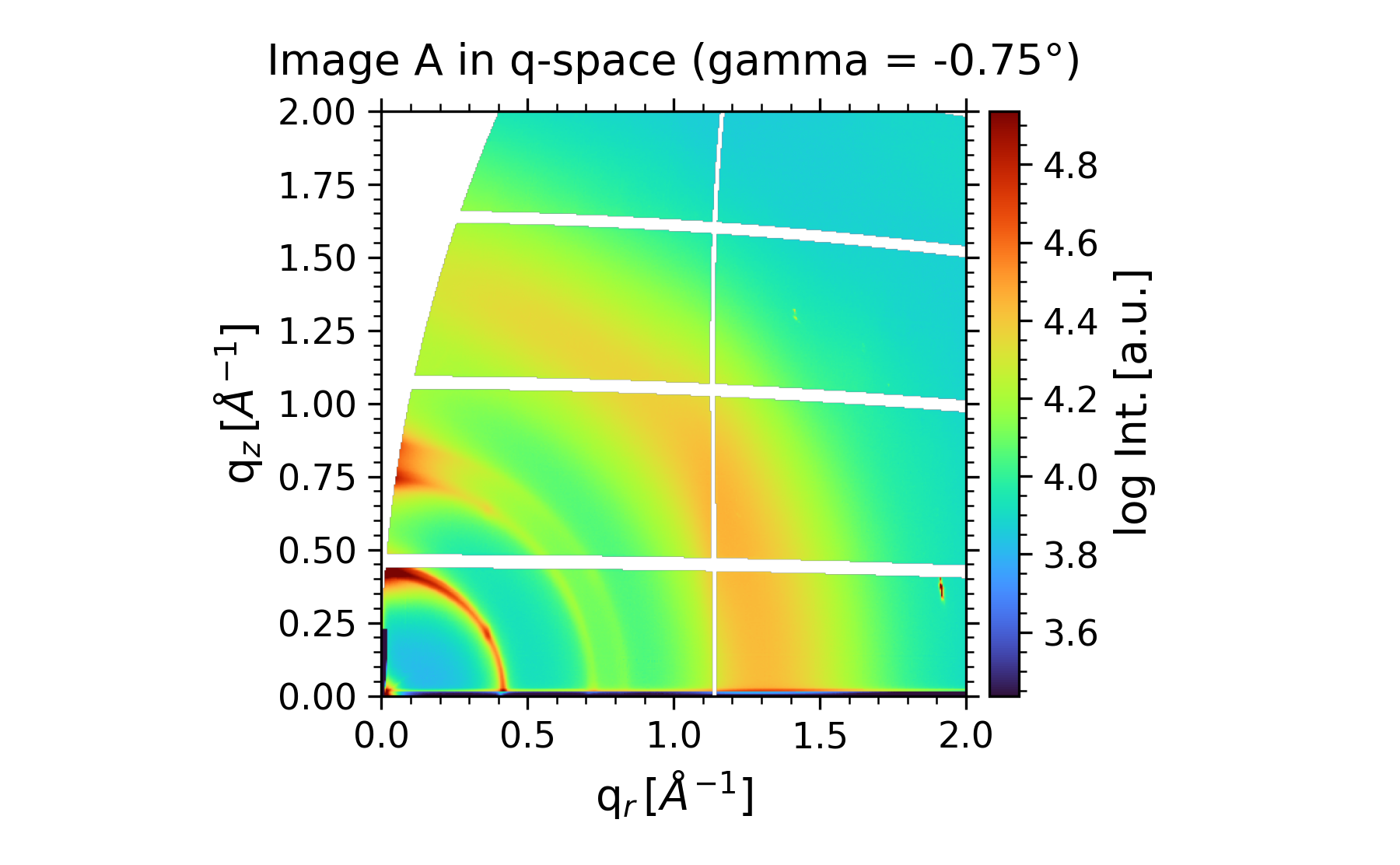
This will create a folder to store all further results, with its name based on the first image’s filename.